

beatstotube
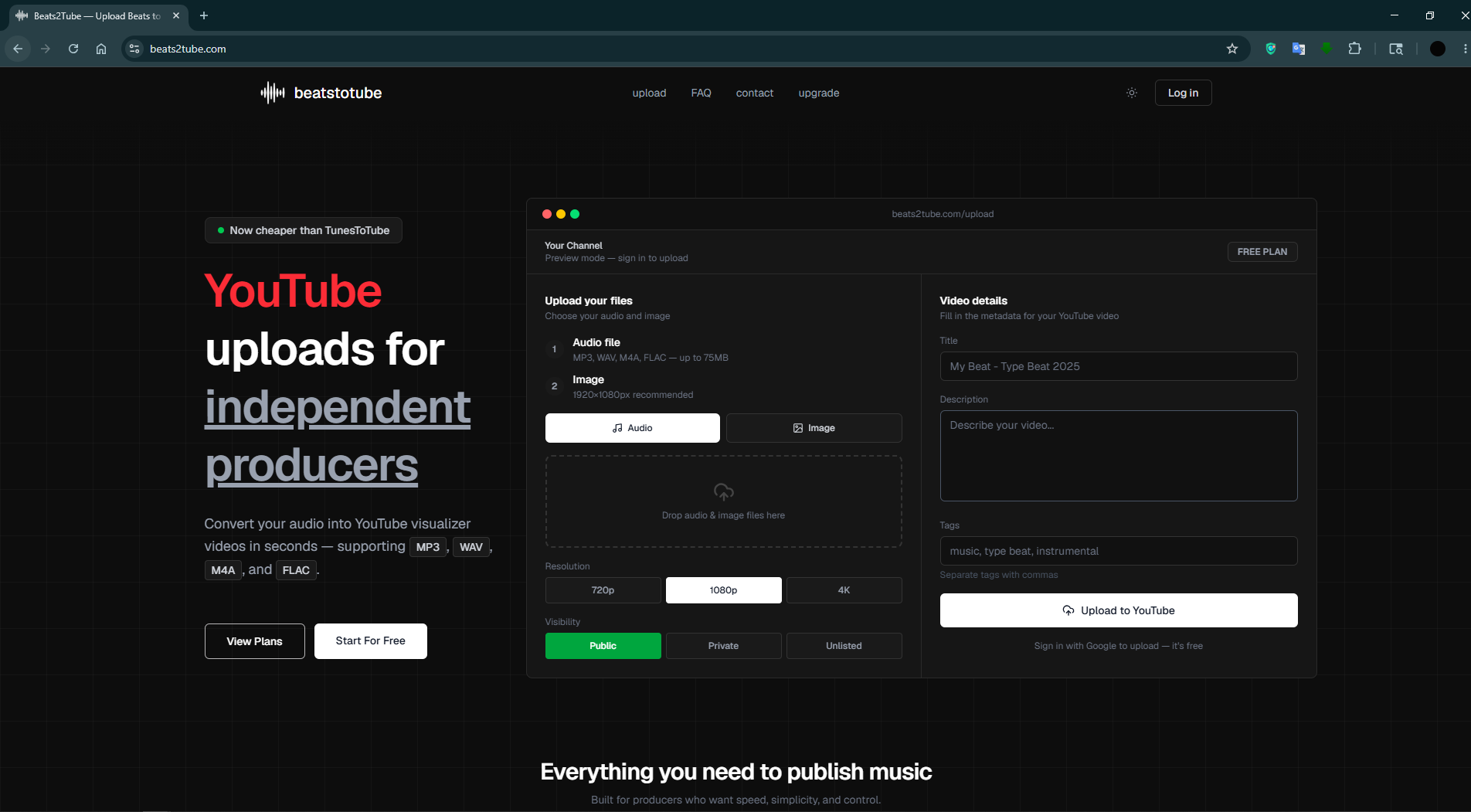
Convert your audio into YouTube visualizer videos in seconds — supporting MP3, WAV, M4A, and FLAC.
About beatstotube
BeatsTube is a web platform built for independent music producers who want to get their beats on YouTube without the hassle of video editing. Drop an audio file (MP3, WAV, FLAC, or M4A), add a cover image, and BeatsTube automatically generates a 1080p visualizer video and uploads it straight to your YouTube channel — all in under a minute. It connects securely via Google OAuth and YouTube's certified API, never storing your credentials or files after processing. With a freemium model and plans cheaper than TunesToTube, it's designed to save producers time and money so they can focus on making music, not managing uploads.
Medias
Key features
Instant YouTube Upload
From audio to YouTube in under a minute
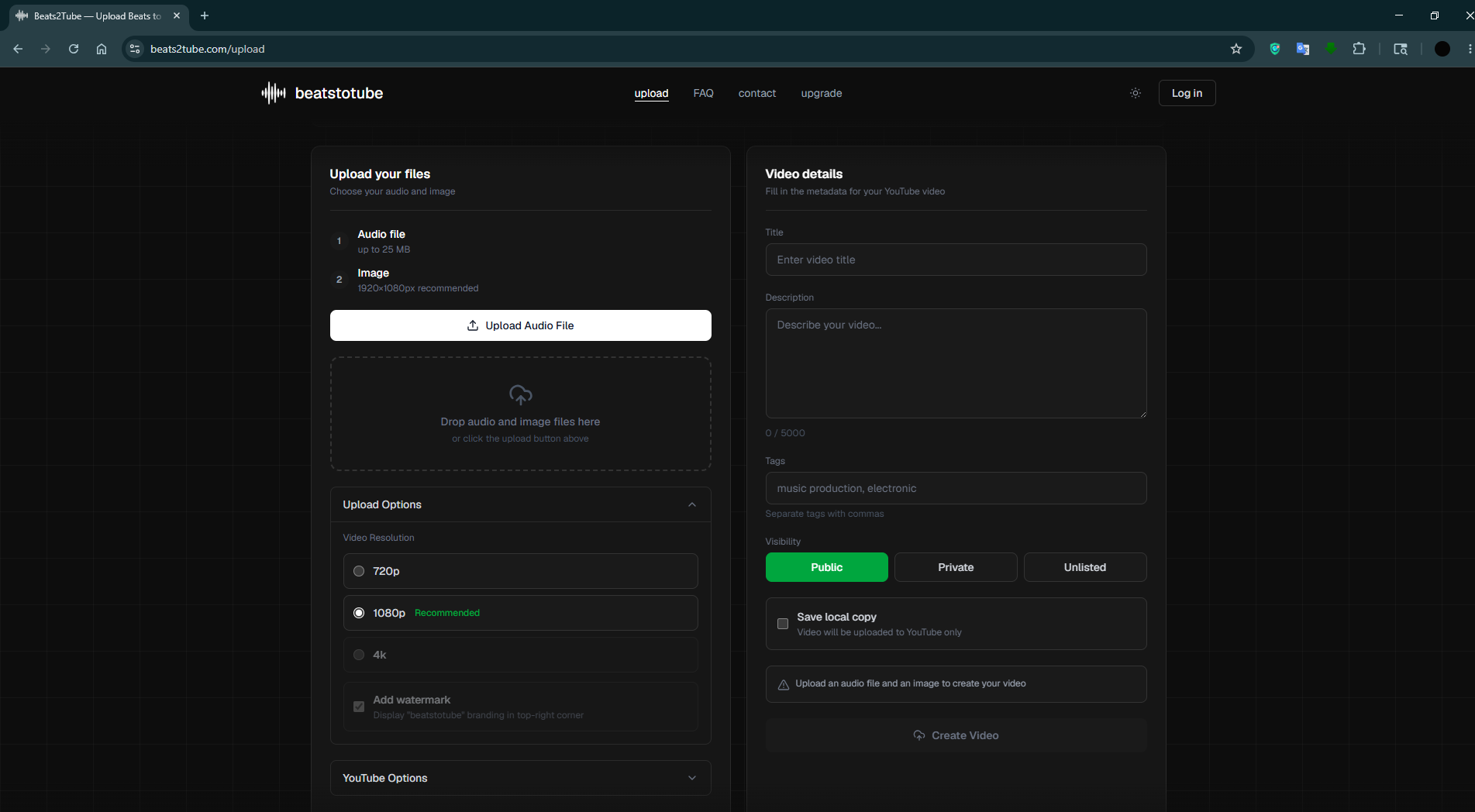
Drop your audio file and cover image, and BeatsTube handles the rest — generating a video and uploading it directly to your YouTube channel without any editing software or manual steps.
Multi-Format Audio Support
Works straight out of your DAW
Supports MP3, WAV, FLAC, M4A, and AIFF files so you can upload directly from your project without converting formats first.
1080p & 4K Visualizer Generation
Professional quality, zero effort
Automatically generates a clean static visualizer video at up to 4K resolution (Studio plan) using your cover image, with no watermark on paid plans.
Zero Quality Loss
Your audio sounds exactly as you made it
Audio is encoded losslessly during video generation — no compression, no artifacts, no compromise on sound quality.
Google OAuth Authentication
Secure by design
Sign in with Google only. BeatsTube never stores your password or YouTube credentials — everything goes through Google's official OAuth 2.0 system.
Privacy-First File Handling
Your files don't live here
All uploaded audio and image files are permanently deleted from BeatsTube servers after processing. Nothing is stored or shared with third parties.
Customizable YouTube Options
Full control over how your video goes live
Set your video title, description, tags, category, visibility (public, private, or unlisted), and the Made for Kids flag — all from the upload dashboard.
Scheduled Uploads
Publish at the perfect time
Studio plan users can schedule their video to go live on YouTube at a specific date and time, without needing to be online when it publishes.
Local Video Download
Keep a copy for yourself
Starter, Pro, and Studio plan users can download the generated MP4 file directly to their device after processing.
Saved Descriptions & Tags
Stop retyping the same info every upload
Pro and Studio plan users can save their default video description and tags so they auto-fill on every new upload.
Real-Time Processing Status
Know exactly where your upload stands
Live status updates track every stage — rendering, uploading, and completing — with a direct link to your YouTube video the moment it goes live.
YouTube Channel Dashboard
See your channel at a glance
View your connected YouTube channel's subscriber count, total video count, and total views directly inside the BeatsTube dashboard.
Drag & Drop Upload
As simple as it gets
Drag your audio and cover image straight onto the upload panel — no file browser required.
Freemium Pricing
Start free, upgrade when you're ready
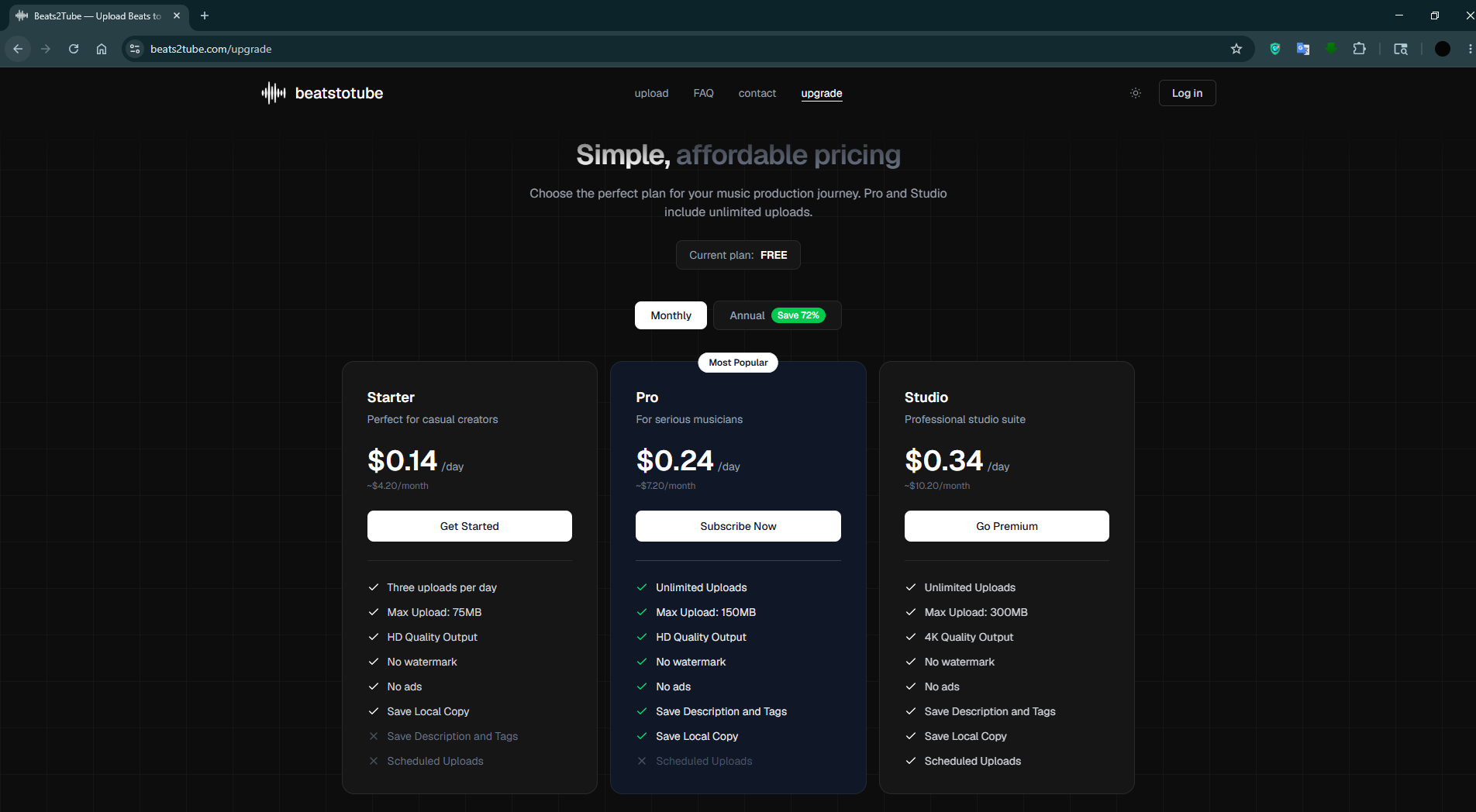
A free plan with 3 uploads per week lets you try the full workflow before committing. Paid plans start at under $5/month, with annual billing saving up to 72%.
Pricing
Full pricing pageStarter
Perfect for casual creators
- Three uploads per day
- Max Upload: 75MB
- HD Quality Output
- No watermark
- No ads
- Save Local Copy
Pro
For serious musicians
- Unlimited Uploads
- Max Upload: 150MB
- HD Quality Output
- No watermark
- No ads
- Save Description and Tags
- Save Local Copy
Studio
Professional studio suite
- Unlimited Uploads
- Max Upload: 300MB
- 4K Quality Output
- No watermark
- No ads
- Save Description and Tags
- Save Local Copy
- Scheduled Uploads
Fit profile
Builder Fit Radar
Strong on momentum, weaker on control & portability and budget friendliness.
Badges
Promote beatstotube giving it more exposure, by adding these badges to your website, documentation, or product listing. Each badge links back to beatstotube page on Webfolio.



<a href="https://www.webfolio.to/tools/beatstotube?utm_source=badge&utm_campaign=badge" target="_blank" rel="noopener noreferrer"><img src="https://www.webfolio.to/badges/featured_color.svg" alt="Featured on Webfolio" style="max-width: 150px" /></a>
Resources
Pricing summary
Categories
Claim this tool
Are you the founder? Claim your profile to update details and track views.